
Mobile betting app: download, navigation and safer everyday use
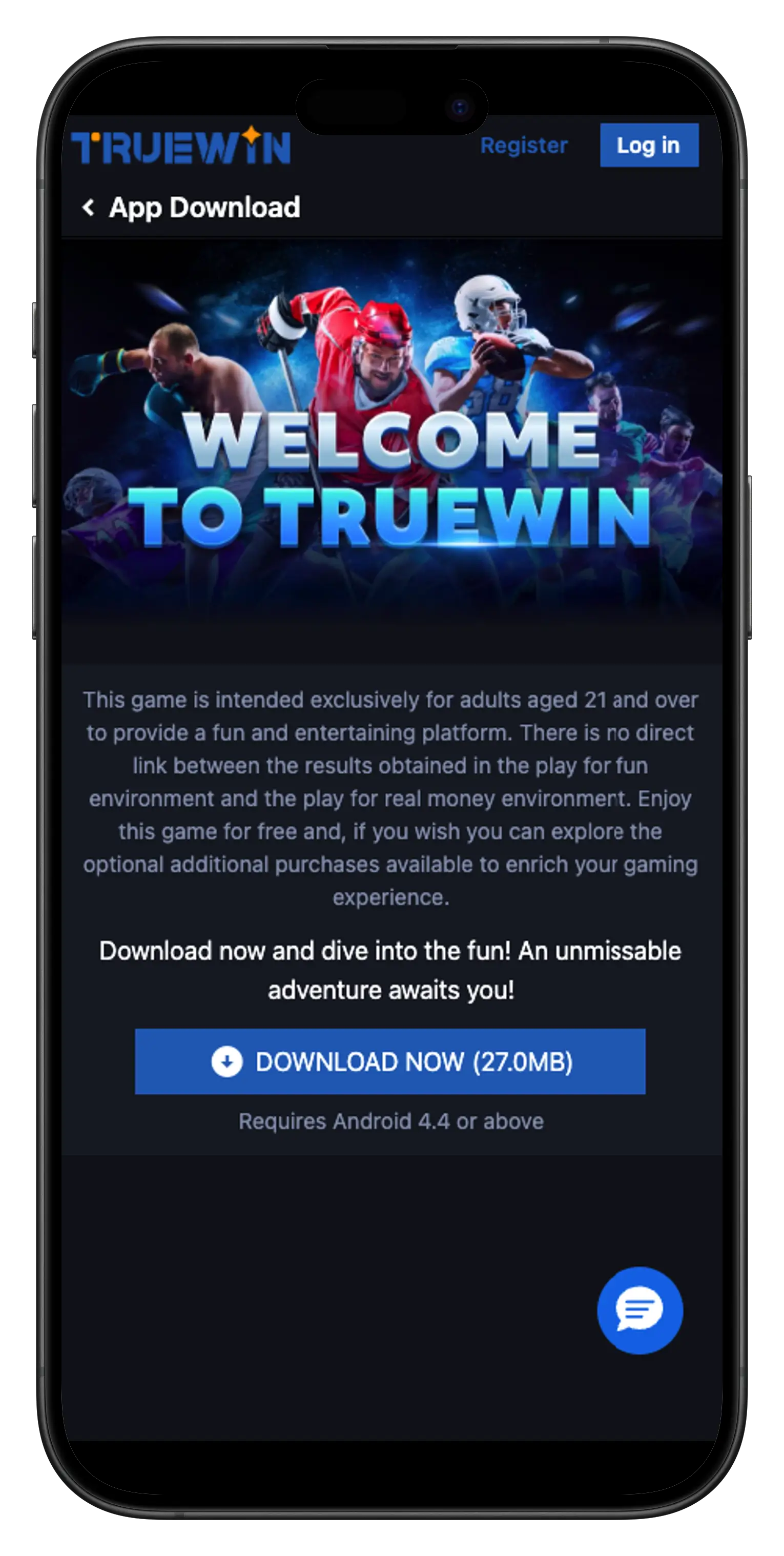
The mobile app provides direct access to sports, casino games, wallet tools and bet history from one screen. The Android app runs on Android 4.4 or later. Before installing it, use the official download route shown inside the account, check the file details and permissions, and keep login credentials protected on the device.
Getting started and finding the main areas
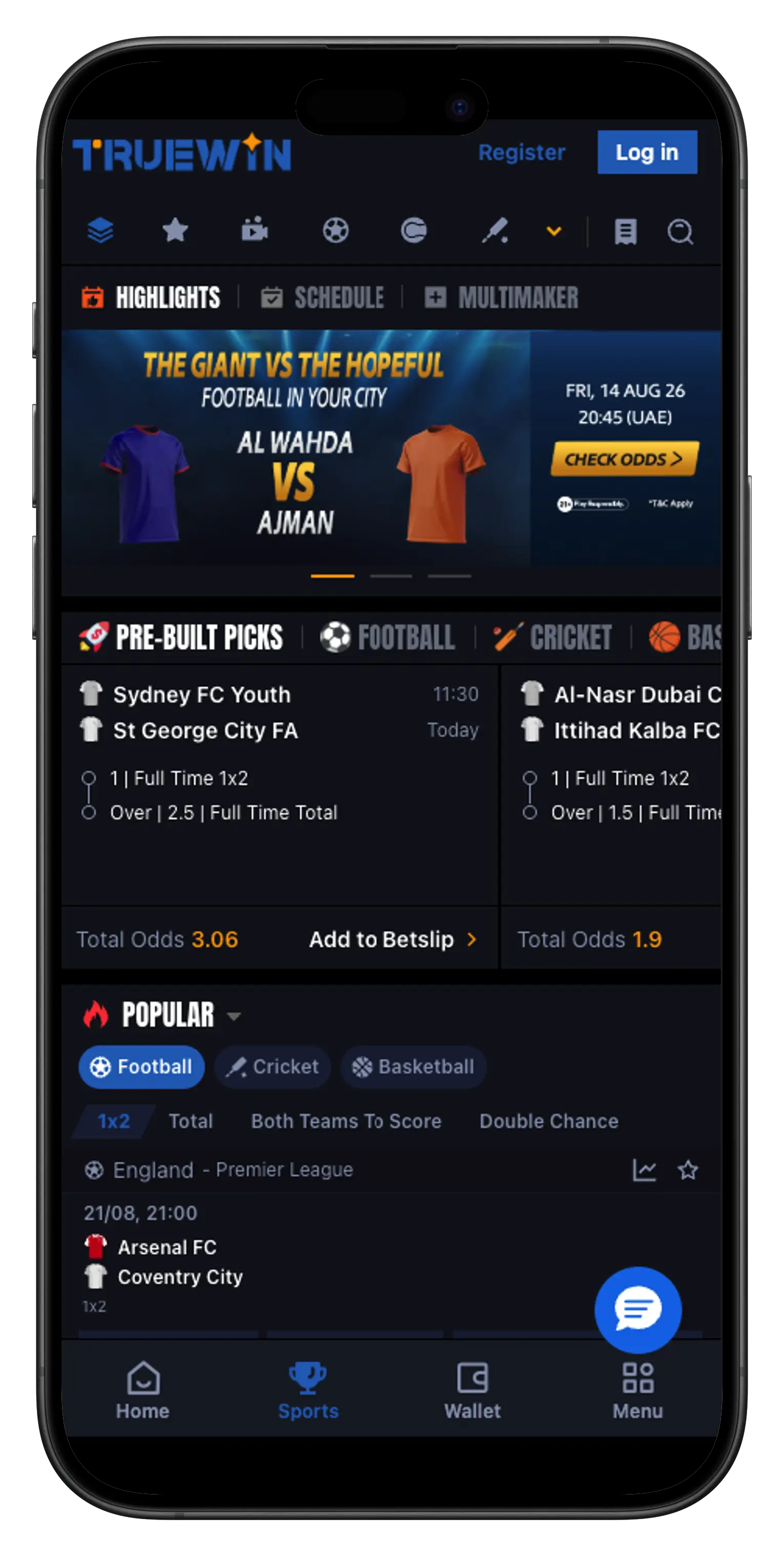
When the app opens, the main functions are arranged for a smaller screen. Learn where Sports, Wallet, Bet History and the main menu sit before placing a bet or starting a financial action. That small amount of orientation makes later use much easier, especially during a live fixture or when a transaction needs to be checked quickly.
In Sports, choose the sport first, then the competition or fixture. Avoid adding a selection from a crowded list when you are not certain which event it belongs to. Open the event, read the market and then check the BetSlip before confirmation. On a phone, part of a long market name can be less visible, so open the full detail rather than relying on a shortened line.
The wallet is a separate area for deposits, withdrawals and transaction history. If the displayed balance does not update immediately, do not repeat the same action automatically. Open Transactions first and check whether the request is still processing. This avoids creating duplicate requests because of a slow connection or a delayed screen refresh.
Sports and games on a smaller screen
A phone is convenient while travelling, but the smaller display should encourage slower checks rather than faster decisions. In live betting, values may change while the slip is sitting at the bottom of the screen. Open the slip again before confirming and verify the fixture, market and current value. If the device switches between Wi-Fi and mobile data during that step, wait until the connection is stable.
In the games area, categories make it easier to reach the type of content you want without opening several games in succession. Use visible filters such as Slots, Roulette or Cards and read the game information before starting. A time limit is especially useful on mobile because the app is always close at hand and a short session can easily become repeated use throughout the day.
Bet and transaction history are useful after each session. Review what was actually confirmed, especially if the app was used while travelling or in a busy place. If you see activity that you do not recognise, change the password from a trusted device and contact support through the account.
Security, updates and everyday habits
Use a password that is not shared with email or other services. Protect the phone with a strong passcode or biometrics, and do not store credentials in an exposed note or text file. Never send a password or verification code in a support conversation; those details are for the account holder only.
Avoid APK files sent through unknown messages, groups or unofficial mirrors. When an update is available, use the same trusted download route used inside the account. Check the app name and file details before installation and do not grant permissions that appear unrelated to the app’s function.
On public networks, it is safer to postpone deposits or withdrawals until you have a connection you trust. You can also disable notifications if they cause you to open the app more often than planned. Set a budget and a session length before starting, and close the app when either limit is reached even if more events are still live.