
Login and new account registration with safer access habits
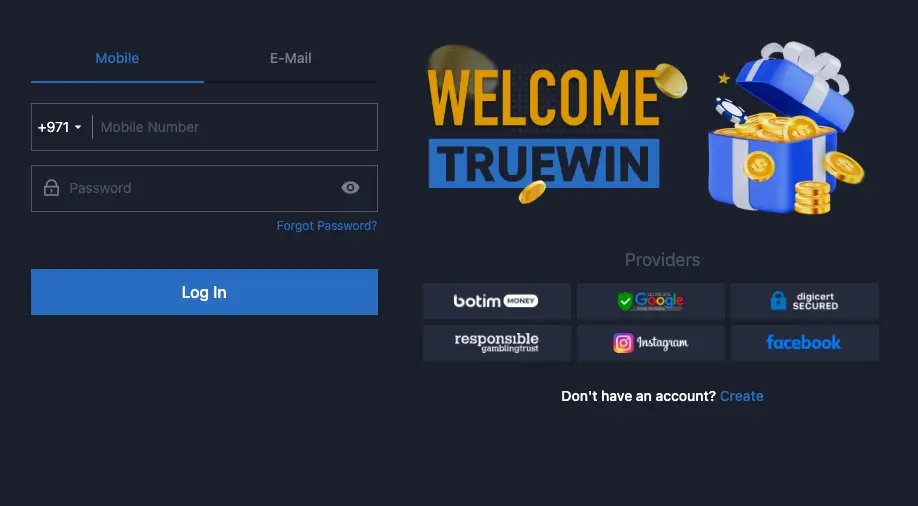
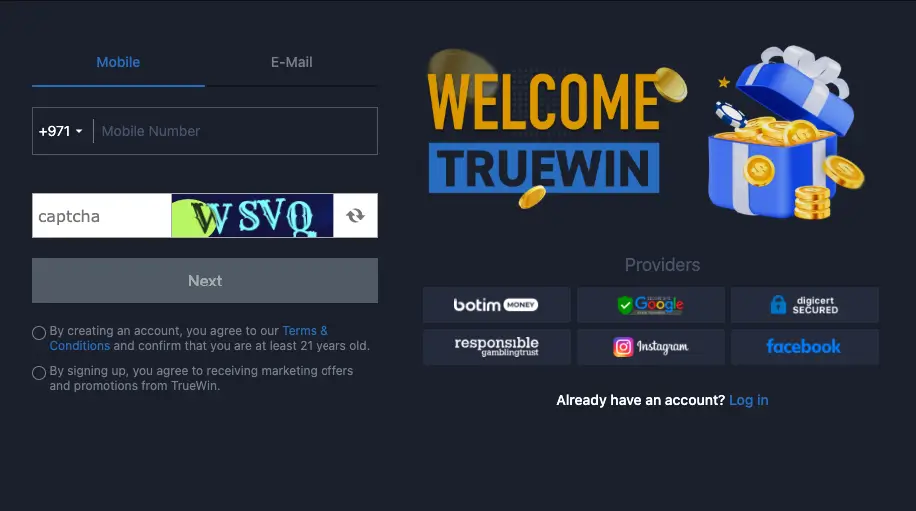
Existing users should choose Log in and enter the credentials originally registered with the account. New users begin with Register and complete the fields shown in the form. In both cases, use a unique password, keep contact details accurate and never share a verification code or password with anyone, including someone claiming to be support.
Logging in and fixing common access problems
Before entering a password, make sure the correct login page is open and the keyboard language is what you expect. If an error appears, check the email address or phone number and the way the password is typed instead of repeating attempts quickly. A trailing space, wrong keyboard layout or different letter case can be enough to cause a failed login.
If the password has been forgotten, use the recovery option provided from the login screen. Do not send an old password to support and do not ask another person to access the account on your behalf. Recovery is designed to prove ownership through the contact details already connected to the account, which is why those details need to remain accessible.
After a successful login from a new device, review activity and transaction history if you suspect an unfamiliar access attempt. Change the password immediately if anything looks wrong, and use a device and network you trust when changing account credentials.
Creating a new account and checking information before submission
Enter the required registration information accurately, especially the contact details that may later be used for recovery or important account messages. Avoid creating the account with an email address you cannot open or a phone number you will soon lose, because that can make a future access problem much harder to solve.
Choose a long, unique password that is not reused on other websites. A passphrase or a combination of words, letters and numbers is better than something easy to guess. A password manager is safer than storing the password in an unprotected note or sending it to yourself in an ordinary message.
After registration, open the account on a trusted device and learn where Wallet, Transactions, Bet History and Help are located before starting. Knowing those areas in advance is useful later if a transaction, bet or support request needs to be checked.
Protecting the account on mobile and desktop
Use a screen lock on the phone and do not save credentials in a browser on a shared device. If a public computer or someone else’s device must be used, decline password saving and sign out when finished. Keep the operating system, browser and app updated when security updates are available.
Do not enter credentials through an unexpected link received in a message or post. Open the site or app through the route you normally use and navigate to the login page yourself. This habit reduces the risk of entering a password on a fake page designed to look like the normal interface.
If support is needed, send the type of problem, approximate time and device information, but never the password or verification code. Support can point you to the recovery route or help investigate the account without knowing private credentials.